|
CentOS 8 초기 설정 및 PHP, NGINX 설치
[GCP]
작성일시 : 2021. 01. 10 (04:07)
|
업데이트 및 압축풀기 설치
[root@onnada-instance ~]# dnf update
[root@onnada-instance ~]# dnf install wget unzip
EPEL Repository 설치
[root@onnada-instance ~]# dnf install epel-release
ELRepo Repository 설치
[root@onnada-instance ~]# dnf install elrepo-release
Remi Repository 설치
[root@onnada-instance ~]# rpm -ivh http://rpms.remirepo.net/enterprise/remi-release-8.rpm
[root@onnada-instance ~]# dnf --enablerepo=remi update remi-release
설치 확인
[root@onnada-instance ~]# rpm -qa remi-release
remi-release-8.3-1.el8.remi.noarch
PHP 설치
[root@onnada-instance ~]# dnf module install php:remi-7.4
PHP 모듈 설치
[root@onnada-instance ~]# dnf install php-fpm php-mysql php-gd php-curl php-common php-cli php-json php-opcache php-devel php-imagick php-mbstring php-mcrypt php-mysqlnd php-pear php-xml php-xmlrpc php-soap php-dba php-bcmath php-pdo php-ldap
PHP 확인
[root@onnada-instance ~]# php -v
PHP 7.4.14 (cli) (built: Jan 5 2021 10:45:06) ( NTS )
Copyright (c) The PHP Group
Zend Engine v3.4.0, Copyright (c) Zend Technologies
with Zend OPcache v7.4.14, Copyright (c), by Zend Technologies
DNF-UTILS 설치하기
[root@onnada-instance ~]# dnf install dnf-utils
NGINX repo 추가
[root@onnada-instance ~]# cat << EOF > /etc/yum.repos.d/nginx.repo
[nginx-stable]
name=nginx stable repo
baseurl=http://nginx.org/packages/centos/\$releasever/\$basearch/
gpgcheck=1
enabled=1
gpgkey=https://nginx.org/keys/nginx_signing.key
module_hotfixes=true
[nginx-mainline]
name=nginx mainline repo
baseurl=http://nginx.org/packages/mainline/centos/\$releasever/\$basearch/
gpgcheck=1
enabled=0
gpgkey=https://nginx.org/keys/nginx_signing.key
module_hotfixes=true
EOF
nginx.repo 확인
[root@onnada-instance ~]# cat /etc/yum.repos.d/nginx.repo
NGINX Stable repo 선택
[root@onnada-instance ~]# yum-config-manager --enable nginx-stable
nginx 설치
[root@onnada-instance ~]# dnf install nginx
nginx 실행
[root@onnada-instance ~]# systemctl start nginx
nginx 부팅 자동시작 등록
[root@onnada-instance ~]# systemctl enable nginx
Created symlink /etc/systemd/system/multi-user.target.wants/nginx.service → /usr/lib/systemd/system/nginx.service.
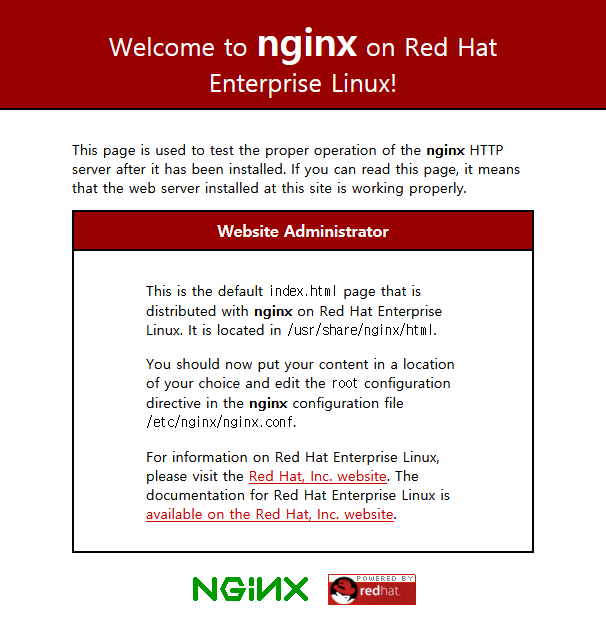
브라우저에 http://외부아이피 접속 확인